White Label Programme: Sell Under Your Own Brand for Free
With the white label programme you sell our services under your own brand, on your own domain, at the prices you choose: website visits, Search Console campaigns, local SEO and YouTube. Joining costs nothing. There is no monthly fee, no setup fee and no contract, and your clients never see Traffic Creator.
Watch: The White Label in 86 Seconds#
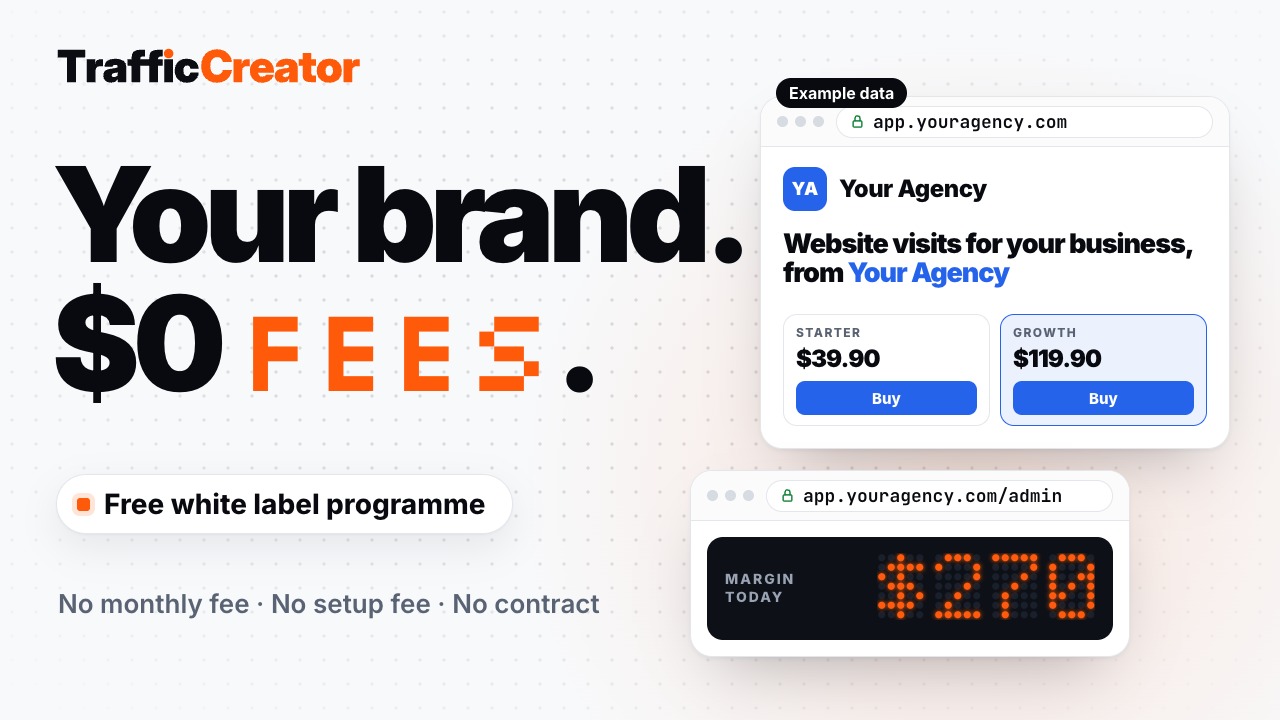
Watch the 86-second video. It shows how your name and colour build the shop, what your clients see, how an order turns into your margin, and how your clients pay you. The shop and orders in the video are example data.
What You Get#
- A landing page on your domain, with your brand, your services and your packages at your prices. If you already have a website, choose Dashboard only and link to your shop from your own site.
- A client dashboard where your clients sign up, buy your packages and run their campaigns.
- An admin dashboard for you: customers, orders and payments, approving bank or crypto payments, support tickets answered under your name, pausing or resuming campaigns, reports as CSV, and coupons.
- E-mails in your name. If you add your own mail server, they come from your domain as well.
Want a landing page in your own design? We can build it for you, or set up integrations so you can edit it yourself. Open a support ticket and tell us what you need.
What It Costs#
- $0 monthly fee, $0 setup fee, no contract.
- You buy credits at our normal prices through Add funds in your dashboard, with the same volume discounts every customer gets: the larger the package, the lower the price per visit. Credits never expire.
- When a client orders, the visits are taken from your balance at our normal price. Whatever you charge above that is your margin.
- If your balance runs out, your client's order still comes in and waits. Delivery starts as soon as your balance covers it, and we tell you right away.
How Your Clients Pay You#
Your clients pay you directly, with your own accounts. We never touch your clients' money.
- In the setup you can add FasterPay, PayPal, crypto (USDT), bank transfer, or a custom method with a payment link or instructions (for example Wise, Revolut or invoice).
- For bank and crypto payments, your client uploads proof of payment and you approve it in your admin.
- Want Stripe or another payment gateway connected? We connect it for you. Open a support ticket and name the gateway.
Set Up Your Shop#
There is no sales call. Open Whitelabel in the dashboard sidebar and click Start for free. The setup has four steps, and you can skip a step and finish it later:
- Your brand: your brand name, a logo if you have one, and your colour.
- Services & prices: switch services on and choose how much you add on top of our price. You see what you pay us, what your client pays and what you keep.
- Your domain: choose Website and dashboard or Dashboard only, then enter your domain. Add the DNS records shown on the screen with your domain provider. Your shop runs on a subdomain such as
app.youragency.com; a TXT record proves the domain is yours, and we issue the certificate once it is verified. - Get paid: add one or more payment methods.
Before you start, the Whitelabel page lets you look at previews of your website, your client dashboard and your admin with example data.