How to Pause, Resume, or Stop a TrafficCreator Project
Use Pause Campaign / Resume Campaign from the project's More menu to stop or restart delivery at any time — your balance and progress are preserved while paused.
Video Walkthrough#
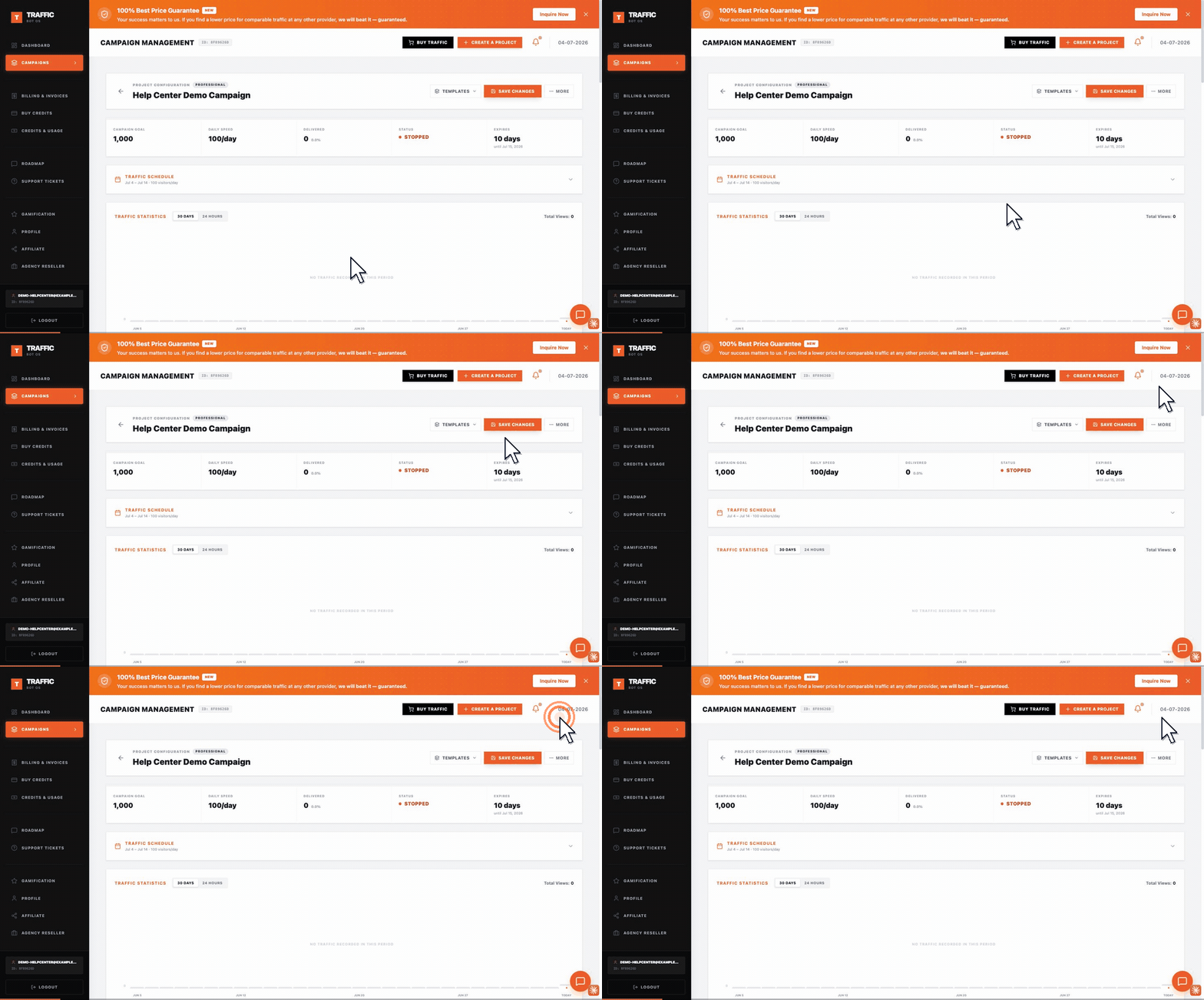
Two things to note: the pause/resume control is inside the More dropdown at the top right of the project — it is not a standalone button — and once paused the status badge reads stopped, not "Paused".
Steps#
- Open the project from Campaigns.
- Click More, then Pause Campaign to stop delivery, or Resume Campaign to restart it — the menu label switches based on current status.
- A stopped project draws no balance and keeps its existing delivered count and settings.
What Happens When You Pause#
- Delivery stops immediately and the status badge shows Stopped.
- No further balance is consumed while stopped.
- All settings (targeting, volume, GA4 ID) are preserved for when you resume.
Troubleshooting#
| Problem | What to check |
|---|---|
| Resumed project isn't delivering | Confirm the tier's balance isn't at zero — a stopped project with no remaining balance won't deliver once resumed either. |
| Status still shows old value after clicking Resume | Refresh the page — the status badge can lag behind the action until the page re-fetches. |
| Can't find the pause/resume control | It's on the project's own page under Project Configuration, not the campaign list. |