Where to Find TrafficCreator Invoices and Transactions
Your payment and transaction history is on the Billing & Invoices page, in a Transaction History table with Date, Description, Plan, Type, Visitors, Amount, and Invoice columns — filterable by payment type.
Screenshot Reference#
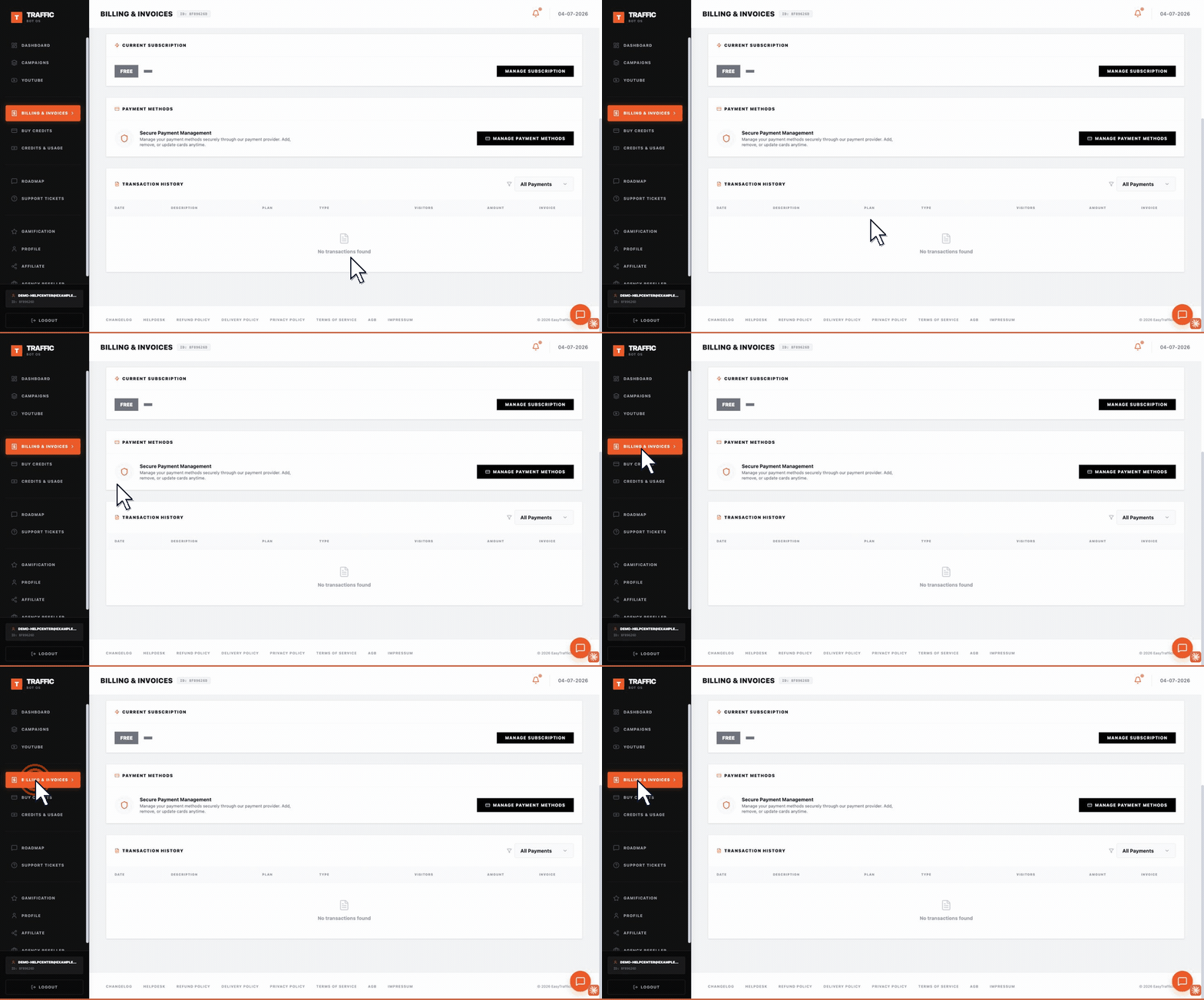
The screenshot shows a new account, so Transaction History displays its empty state, "No transactions found". Once you have made a purchase, each row fills in the columns above plus a downloadable invoice link.
Steps#
- Log in and open Billing & Invoices from your dashboard.
- Scroll to Transaction History — use the "All Payments" filter to narrow by payment type.
- Each row shows date, description, plan/tier, type, visitor volume, amount, and an invoice link.
- Use a specific transaction's reference/ID when contacting billing support about it.
Troubleshooting#
| Problem | What to check |
|---|---|
| A recent payment isn't listed yet | Card payments usually appear immediately; crypto payments can take longer to be matched and recorded. |
| Need a receipt for accounting | Reference the transaction record's amount, date, and ID when requesting documentation from support. |