Understand TrafficCreator Active Sessions
Your session history is under Profile → Security & 2FA , in a Recent Login History table (date/time, IP address, device/browser, and which one is your current session) — use Log out of all other sessions to revoke everything except the one you're using now.
Video Walkthrough#
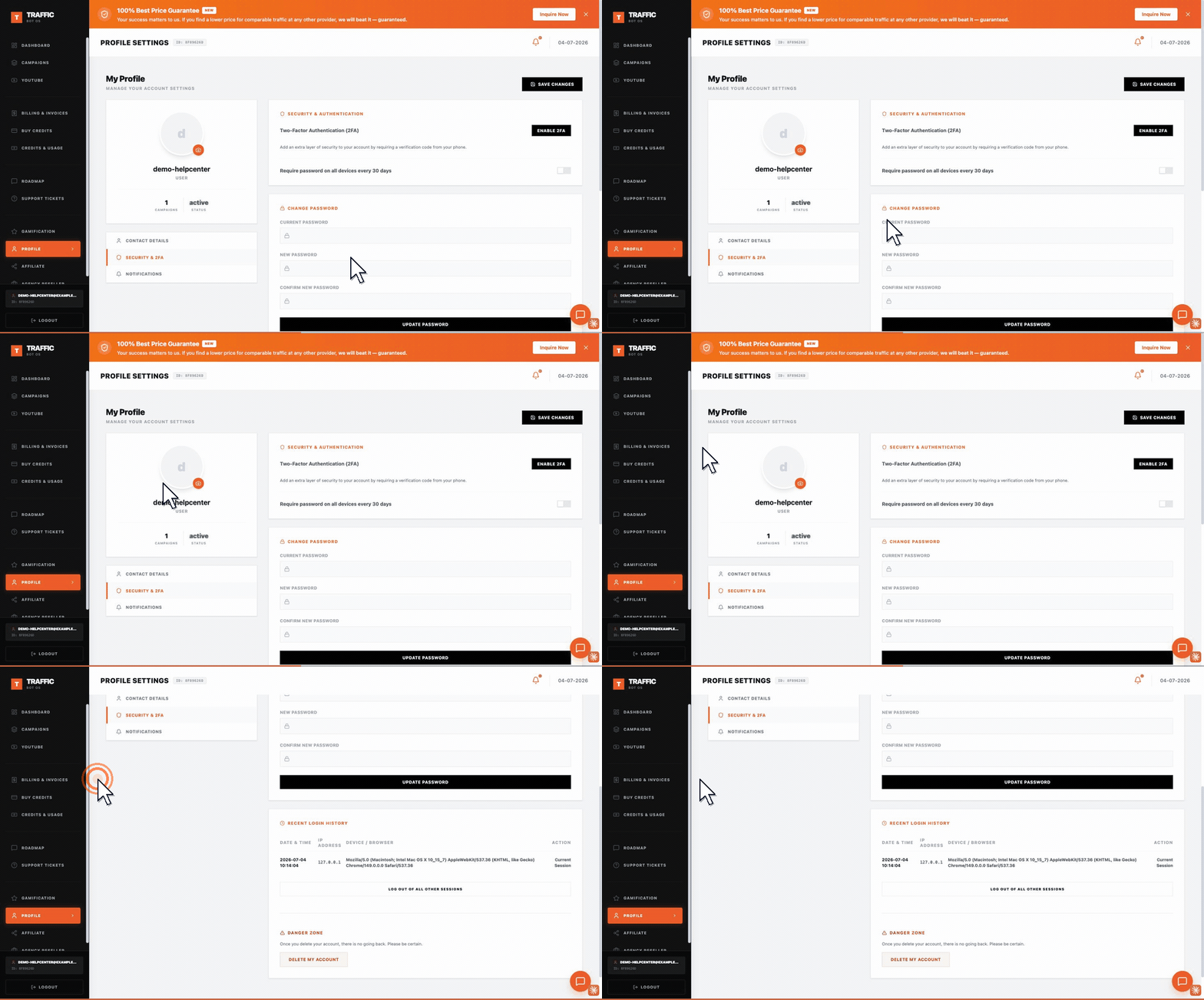
The section is titled Recent Login History and lives on the Security & 2FA tab of Profile — not on Contact Details, which is a separate tab on the same page.
Steps#
- Open Profile, then the Security & 2FA tab.
- Scroll to Recent Login History — your current session is labeled "Current Session".
- If you don't recognize a session, click Log out of all other sessions to invalidate everything except the one you're using now.